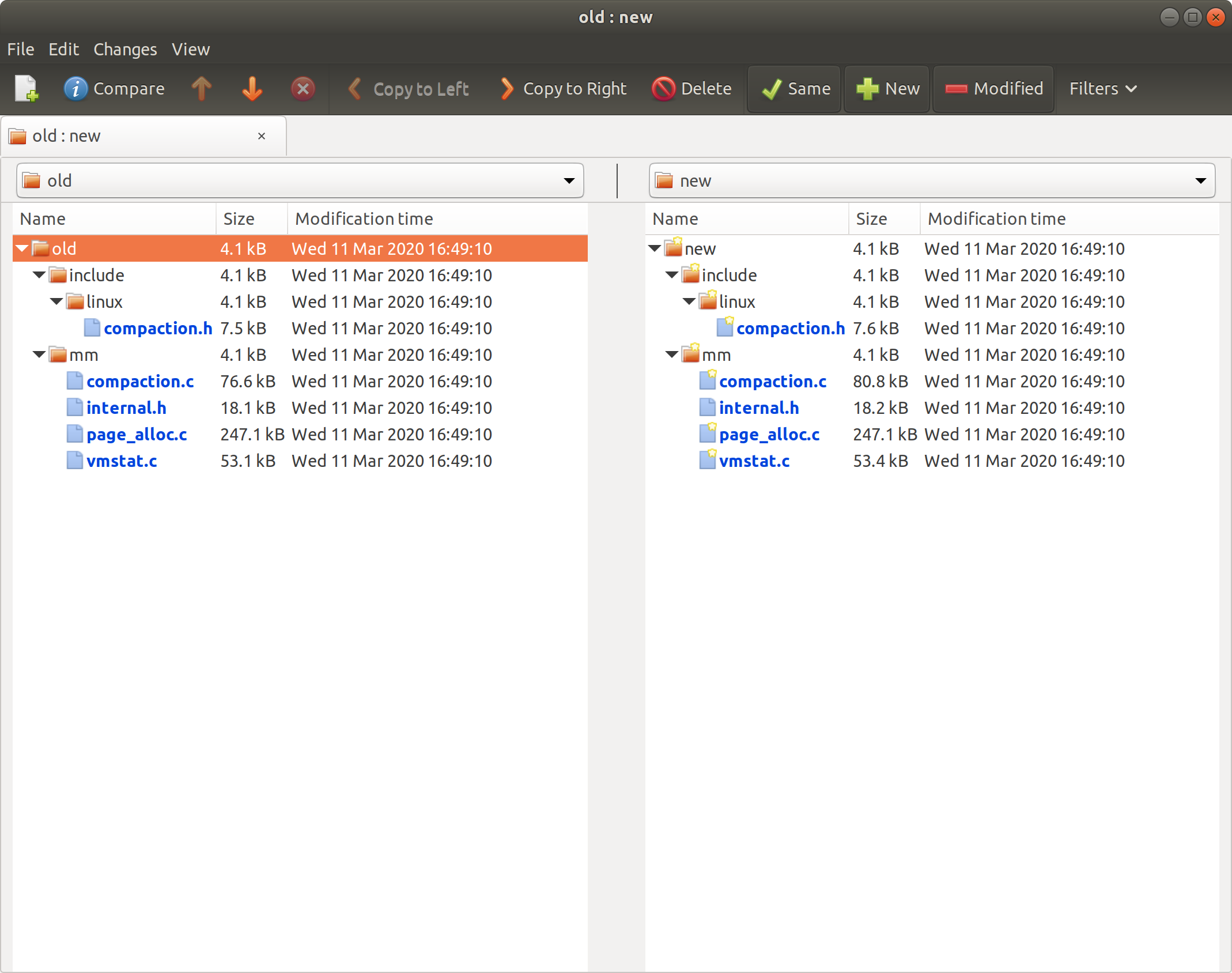
Since a long time, I was looking for a graphical git diff viewer which could show original and modified file side-by-side and highlight the changes. There are few solutions but none of them is sufficient:
- A tool included with git called ‘git-difftool’ is partially helpful – it can show changes graphically but diff for each file is shown one-by-one. This is very irritating. In fact, unusable even with just 10-15 files.
- Another alternative is the meld diff viewer which is “git aware”. The problem here is that it can show diff for uncommitted changes only which is very limiting. What if you want to see what changes between Linux kernel, say 2.6.33-rc1 and 2.6.33-rc2? or changes between last two commits? meld cannot do it, AFAIK.
- Finally, with kompare, you can do something like: ‘git diff master | kompare -o -’. This method however, does not show original and new files side-by-side. It is simply prettier diff highlighting.
None of above methods are sufficient. So, I wrote the following script which solves our problem: show complete contents of original and new files side-by-side and highlight the differences.
[Read More]